App Onboarding Tour: Navigating Your Path to Flow
Informational and self-regulation purposes only. Not a medical device.
At a Glance
- 01RE is built from first principles as a bio-regulatory instrument: no notifications, no gamified streaks, and no AI chatbots.
- 02The 5-step interactive tour spotlights the Visualizer circle, your RE Score, Tools (Brain icon), Settings (Profile icon), and the Heart Rate Scanner.
- 03Use the Resonant Frequency Calculator in the Studio to find your height-based pace between 4.5s and 6.5s per phase.
- 04Take a 60-second camera PPG scan before and after a 10-minute session to verify your vagal tone shift in real time.
Opening a modern wellness app often feels like stepping into a crowded shopping centre. You are greeted by streak counters, badge popups, push notifications, and AI chatbots asking how your day went. RE was designed around a different premise: quiet clarity. Every element is built around physiology.
When you open the app for the first time, your screen becomes a clean biofeedback lab. This guide walks you through the 5 core spotlight areas in the onboarding tour, showing you how to set up your first session, fine-tune your breathing pace, and measure your nervous system recovery.
01. The Breathing Circle & Audio Anchors
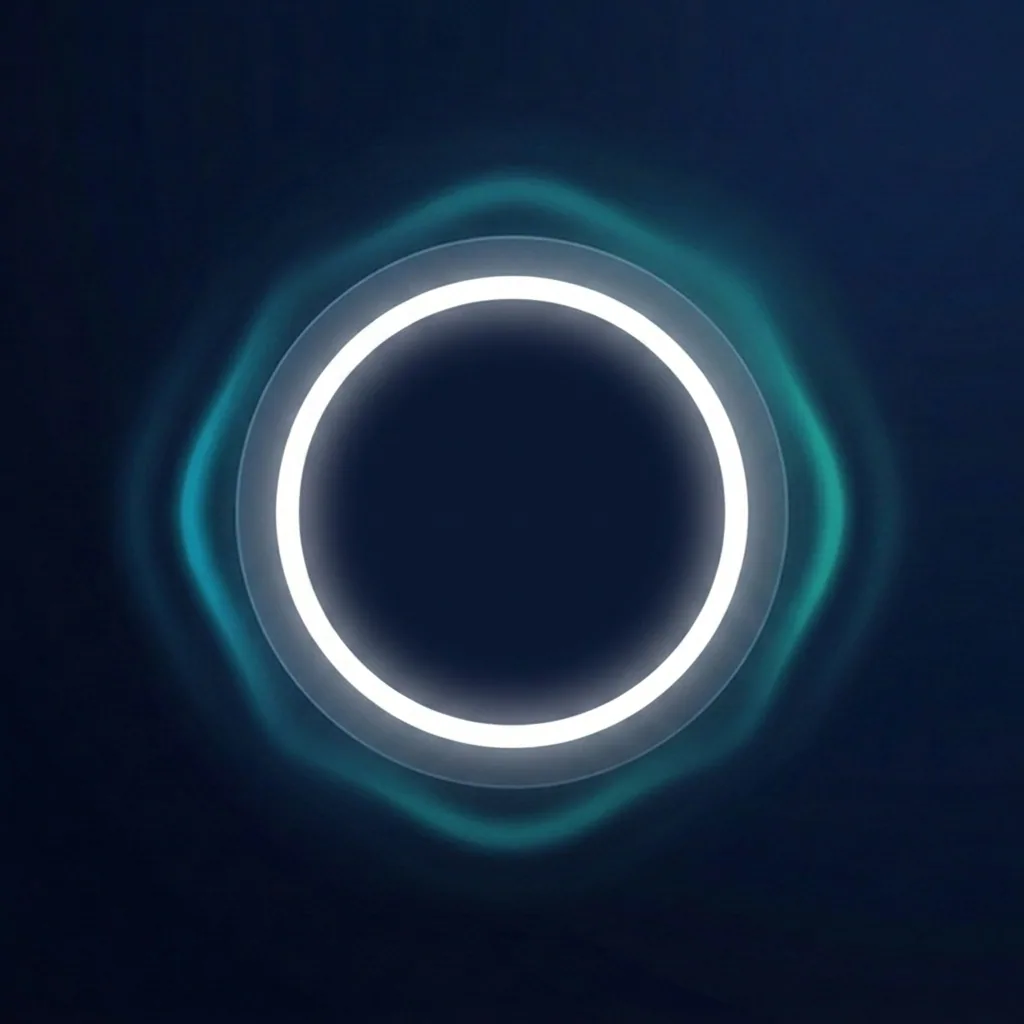
The centre of the dashboard belongs to the Coherence Visualizer: a pulsing sphere that expands on your inhale and contracts on your exhale. By default, the pacer runs at 5.5 seconds in and 5.5 seconds out (0.1 Hz), which research shows is the universal population baseline for autonomic balance.
Holding down the central circle opens your immediate audio controls without leaving the main view. You can choose between two distinct auditory anchors depending on your preference for the session:
Harmonic Chime
A clean, non-binaural bell tone that rings gently at the exact pivot point between inhale and exhale. It provides a clear acoustic marker without requiring headphones, making it ideal for a minimal practice at your desk or in a quiet room.
Binaural Beats
Frequency-tuned auditory entrainment presets requiring stereo headphones. Choose 3.2 Hz Delta for evening wind-down, 5.0 Hz Theta for deep meditation, or 7.8 Hz Schumann for grounded, alert focus.
Behind the breathing cue, you can layer an atmospheric Audio Scape. Select Green noise for natural wave dynamics, Pink noise for steady rain, or Brown noise for rumbly low-frequency masking to quiet mental chatter.
02. Tuning Your Pace: Resonant Frequency Calculator
While 5.5 seconds works for almost everyone, bio-individuality matters. Your optimal resonant frequency is shaped by your arterial length and lung capacity, which correlate strongly with physical height.
Tap the Profile icon at the bottom right to open the Sensory Studio, then select the Resonant Frequency Calculator. Enter your biological sex and height in centimetres:
Height-based formula
The app converts this output into your exact pacer speed in seconds. A 180 cm male calculates to 5.3 breaths per minute, which equals a 5.7-second inhale and exhale. You can fine-tune this slider in 0.1-second steps until your breath feels entirely smooth.
03. Measuring Your Physiology: The Camera PPG Scanner
You do not need a smartwatch or wearable to track your vitals. RE includes a built-in 60-second photoplethysmography (PPG) Heart Rate Scanner powered by your smartphone camera and LED flash, so the only hardware required is the phone already in your pocket. See Unlocking Your Heart's Secrets for the full mechanism.
Tap the Measure button at the bottom centre before starting a session. Place the tip of your index finger gently over the primary camera lens so it covers the light.
How camera PPG works
With each heartbeat, a surge of blood passes through the capillaries in your fingertip, absorbing a tiny fraction of the LED light. The camera captures micro-colour variations in the red channel at high frame rates, which the app processes to extract your exact inter-beat intervals (IBI).
The signal processing pipeline upsamples the wave to 180 Hz to calculate clinical metrics: Vagal Tone (RMSSD), SDNN, pNN50, LF/HF ratio, and your real-time Coherence Score.
Taking a 60-second scan before your practice establishes your baseline. Taking a second scan immediately after a 10-minute session shows you your physical recovery in objective numbers: higher Vagal Tone, a lower resting heart rate, and an elevated Coherence score.
04. Tools, History & Mindfulness Cards
Tapping the Brain icon at the bottom left opens your Tools menu. Here you will find three main modules:
Sessions & Trends
Review your past practice history, total minutes logged, and your 7-day Vagal Tone trend chart. Sessions of 10 or more minutes contribute to your physiological momentum. You can also export session share cards as PNG images or lock key sessions to prevent auto-archiving.
Mindfulness Cards
Explore curated micro-practices and interoceptive prompts designed to complement your breathing sessions. These short exercises help anchor attention when transitioning between high-focus work and rest.
Guide & Knowledge
Access video tutorials, re-run the 5-step onboarding tour anytime, and read scientific background papers covering baroreflex sensitivity, HRV biofeedback, and autonomic regulation.
05. Group Coherence & The Lab
If you want to explore beyond individual sessions, tap the Profile icon to enter the Lab.
The Lab includes Group Sync, the same anonymous circle covered in Collective Coherence: scheduled 20-minute circles that start automatically on a fixed global clock, locking every participant to the same 5.5-second pace. Join the lobby, watch the countdown, and leave whenever you like without affecting anyone else. The Lab also features a standalone Meditation Timer with customizable interval reminder bells, and specialized breathing patterns such as 4-7-8 Breathing for acute evening relaxation.
RE is built to be used when you need it, not to demand your attention when you do not. Your practice belongs to you.
Ready to Find Your Flow?
Experience clinical-grade biofeedback without subscriptions or streak pressure. Turn your phone into a sanctuary for your nervous system.
Download REScientific references & further reading
Important Note: This content is intended for informational and self-regulation purposes only. It is not a medical device and should not be used to replace professional medical advice, diagnosis, or treatment. Always seek the advice of your physician or other qualified health provider with any questions you may have regarding a medical condition.